
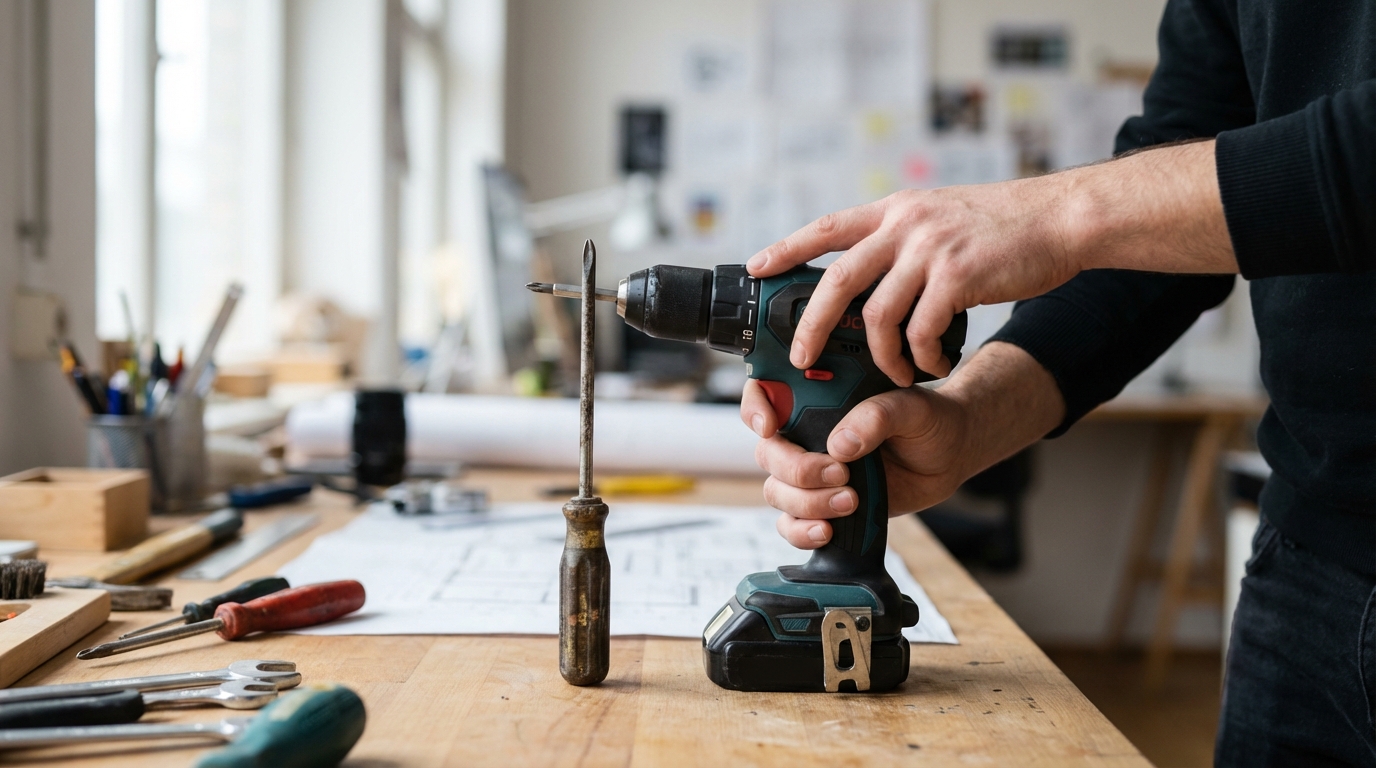
The Profound Impact of Tool Design on User Performance
The design of a tool extends far beyond its aesthetic appeal; it fundamentally shapes how an individual interacts with it and, consequently, their ability to perform tasks effectively, efficiently, and safely. From a simple hand tool to complex machinery interfaces, thoughtful design directly influences user comfort, precision, speed, and even long-term health. Understanding these principles is crucial for anyone involved in manufacturing, engineering, or user experience, as it highlights the critical link between inanimate object and human capability. This exploration delves into the various facets of tool design and how each element contributes to or detracts from user performance.The Foundational Principles of Ergonomics in Tool Design
Ergonomics is the scientific discipline concerned with understanding interactions among humans and other elements of a system. When applied to tool design, it aims to optimize human well-being and overall system performance. This multidisciplinary field considers physical, cognitive, and organizational factors.Anthropometry: Fitting Tools to Human Dimensions
Anthropometry involves the measurement of the human body. Effective tool design considers the wide range of human body sizes, shapes, and capabilities.- Dimensions: Tools must accommodate variations in hand size, finger length, grip strength, and reach. A handle that is too large or too small can lead to excessive force, discomfort, and reduced control.
- Posture: Design should promote neutral joint postures, minimizing awkward angles that can cause strain or injury over time.
Biomechanics: Understanding Movement and Forces
Biomechanics analyzes the mechanics of biological systems, particularly the musculoskeletal system.- Force Application: Tools should be designed to allow users to apply force efficiently, leveraging natural body mechanics rather than requiring strained or unnatural movements.
- Repetitive Motion: Designs should minimize the need for highly repetitive, forceful, or awkward motions that can contribute to cumulative trauma disorders.
- Vibration and Impact: Mechanical vibrations transmitted through tools can cause discomfort and long-term health issues. Design solutions often incorporate dampening materials or mechanisms to mitigate these effects.
Cognitive Ergonomics: Mental Load and Information Processing
Cognitive ergonomics addresses mental processes such as perception, memory, reasoning, and motor response as they affect interactions among humans and other elements of a system. For more complex tools, this is particularly relevant.- Information Presentation: Displays, indicators, and controls should be clear, unambiguous, and logically arranged to reduce cognitive load and the potential for errors.
- Feedback: Tools should provide clear and timely feedback (visual, auditory, tactile) about their status and the outcome of user actions.
Physical Factors Influencing Performance
The tangible attributes of a tool directly impact how a user physically interacts with it.Grip and Handle Design
The grip or handle is the primary interface between the user’s hand and the tool. Its design is paramount for comfort, control, and safety.- Shape and Contours: A handle should conform to the natural curves of the hand, distributing pressure evenly across the palm and fingers to prevent localized pressure points.
- Material and Texture: Materials that offer appropriate friction prevent slippage, even in wet or oily conditions. Textures can enhance grip without causing abrasion. Non-conductive materials may be essential for certain applications.
- Diameter and Length: An appropriate handle diameter allows for a strong, comfortable grip without excessive squeezing or stretching. Adequate length ensures that all fingers can grasp the handle securely.
Weight Distribution and Balance
The overall weight and how it is distributed significantly affect user fatigue, precision, and control.- Fatigue Reduction: A well-balanced tool reduces the effort required to manipulate it, decreasing muscle fatigue over prolonged use. Poor balance can force users to exert additional force to stabilize the tool, leading to quicker exhaustion.
- Precision and Control: Tools with their center of gravity close to the point of action or the user’s grip often provide enhanced control and precision, particularly for delicate tasks. Imbalanced tools can lead to compensatory movements, reducing accuracy.
Actuation Mechanisms
The method by which a tool is activated (e.g., triggers, buttons, levers) profoundly affects user interaction.- Force Required: The amount of force needed to operate a trigger or button should be minimal but sufficient to prevent accidental activation. Excessive force can lead to muscle strain.
- Placement and Accessibility: Controls should be placed where they can be easily reached and operated without awkward hand or finger movements.
- Tactile Feedback: Clear tactile feedback (e.g., a “click” or resistance) upon activation helps users confirm that their action has been registered.
Vibration and Noise Reduction
Exposure to excessive vibration and noise can lead to adverse health effects and diminished performance.- Vibration Damping: Incorporating materials and designs that absorb or isolate vibrations helps protect the user’s hands and arms, reducing the risk of conditions like hand-arm vibration syndrome.
- Noise Attenuation: Design considerations to reduce operational noise contribute to a safer and more comfortable working environment, preventing hearing damage and improving communication.
Cognitive Factors and User Interface (for More Complex Tools)
Beyond physical interaction, the intellectual and perceptual demands of a tool are crucial, especially for tools with multiple functions or digital interfaces.Visibility and Feedback
Users need clear information about the tool’s status and the impact of their actions.- Clear Indicators: Gauges, displays, and indicator lights should be easily visible and understandable, conveying crucial information at a glance.
- Meaningful Feedback: Auditory alerts, visual confirmations, or tactile responses can assure the user that the tool is operating as intended or alert them to a potential issue.
Layout and Workflow
The arrangement of controls and the sequence of operations significantly influence usability.- Intuitive Grouping: Related controls should be grouped together logically. For example, all controls for adjusting power might be in one area, while controls for changing an accessory are in another.
- Logical Sequencing: The steps required to operate a tool should follow a natural, intuitive progression, minimizing the need for mental mapping or memorization.
Learnability and Memorability
A well-designed tool should be easy for a new user to learn and for an experienced user to remember how to operate after a period of non-use.- Consistency: Consistent placement and function of controls across different tools or models can reduce learning time.
- Affordances: Design elements that suggest their own use (e.g., a button that looks like it should be pressed) enhance learnability.
Safety Implications of Design
Tool design is inseparable from user safety. A poorly designed tool can not only hinder performance but also pose significant risks.- Injury Prevention: Features like protective guards, emergency stop buttons, and interlocks prevent accidental contact with hazardous parts or unintended operation.
- Reduction of Repetitive Strain Injuries (RSIs): Ergonomically designed tools that promote neutral postures, reduce force requirements, and dampen vibration are instrumental in preventing RSIs like carpal tunnel syndrome and tendinitis.
- Clear Warnings and Instructions: While not strictly a “design” feature of the tool itself, clear, concise, and visible warnings and operating instructions are critical cognitive design elements that guide users toward safe operation.
The Iterative Design Process
Effective tool design is rarely achieved in a single step. It is an iterative process that involves continuous refinement.- User Research: Understanding the target users, their tasks, environments, and existing challenges forms the foundation of design.
- Prototyping and Testing: Early prototypes allow designers to test concepts and gather feedback before significant investment. User testing reveals practical issues that might not be apparent in theory.
- Feedback and Refinement: Incorporating user feedback throughout the design cycle leads to a product that is progressively more aligned with user needs and performance requirements.
Conclusion
The intricate relationship between tool design and user performance is undeniable. Every element, from the tactile sensation of a handle to the clarity of a digital display, plays a pivotal role in shaping a user’s experience and capabilities. Thoughtful design, rooted in ergonomic principles and a deep understanding of human interaction, yields tools that are not only efficient and precise but also comfortable and safe to use. By prioritizing user needs throughout the design process, we can create tools that empower individuals to perform at their peak, contributing to both productivity and well-being.Frequently Asked Questions (FAQs)
1. What is ergonomics in tool design?
Ergonomics in tool design is the scientific discipline focused on creating tools that fit the capabilities and limitations of the human user. It considers physical factors (like body size and movement), cognitive factors (like mental load and information processing), and environmental factors to optimize user comfort, efficiency, and safety.
2. How does tool weight affect a user?
The weight and balance of a tool significantly impact user fatigue and control. An imbalanced or overly heavy tool can cause muscle strain, increase the risk of injury, and reduce precision, as users may need to exert extra effort to stabilize or manipulate it.
3. Why is grip design important for a tool?
Grip design is crucial because it’s the primary point of contact between the user and the tool. A well-designed grip provides comfort, prevents slippage, distributes pressure evenly across the hand, and allows for efficient force application, reducing fatigue and the risk of injury.
4. Can poor tool design lead to injuries?
Yes, poor tool design can directly contribute to various injuries. These can range from acute injuries due to accidents (e.g., slippage, loss of control) to chronic conditions like repetitive strain injuries (RSIs), carpal tunnel syndrome, and tendinitis, caused by awkward postures, excessive force, or vibration.
5. What role does feedback play in tool design?
Feedback, whether visual (e.g., indicator lights), auditory (e.g., a “click”), or tactile (e.g., vibration), is essential for informing the user about the tool’s status, the success of their actions, or potential issues. Clear and timely feedback reduces cognitive load, minimizes errors, and enhances overall user confidence and control.

Diana Miller, is a dedicated nature enthusiast and an outdoor adventurer. She began leading groups for excursions in her teens and never stopped. Following her passion for nature, she gathers her friends for outdoor trips every now and then. And for the last 10 years, she has executed workshops on backpacking, snow kayaking and traveling that included her main motive of lightweight packing while outdoors. During leisure, she loves planning for her next adventure.