
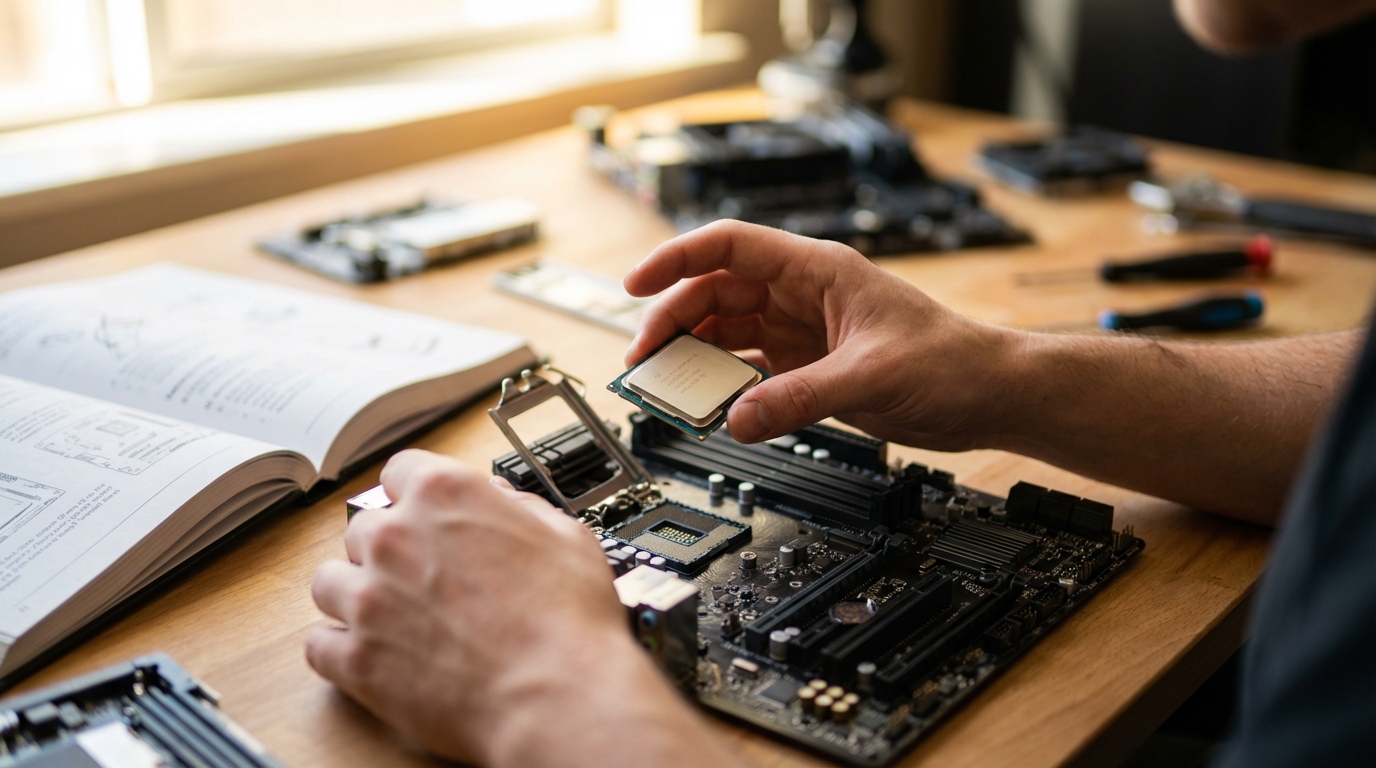
The Central Processing Unit (CPU) stands as the brain of any modern computing device, from smartphones to supercomputers. It is responsible for carrying out the instructions that make software run, allowing us to interact with our devices and perform countless tasks. While its intricate workings might seem daunting, the CPU operates on a surprisingly logical and repetitive cycle to process these instructions.
Understanding how a CPU processes instructions step by step provides fundamental insight into the very essence of computing. This exploration will demystify the core operations that occur billions of times per second, forming the foundation of every digital experience.
The Foundation: CPU Architecture and Components
Before diving into the instruction processing cycle, it’s helpful to understand the primary internal components of a CPU that facilitate this process. These units work in concert to fetch, interpret, and execute instructions.
Key CPU Components
- Control Unit (CU): The CU acts as the CPU’s manager, directing and coordinating all operations. It fetches instructions from memory, decodes them, and then issues control signals to other units to perform the necessary actions.
- Arithmetic Logic Unit (ALU): The ALU is the CPU’s calculator and decision-maker. It performs all arithmetic operations (addition, subtraction, multiplication, division) and logical operations (AND, OR, NOT, comparisons).
- Registers: These are small, high-speed storage locations within the CPU that hold data and instructions temporarily during processing. Different types of registers serve specific purposes:
- Program Counter (PC): Holds the memory address of the next instruction to be fetched.
- Instruction Register (IR): Stores the instruction that has just been fetched from memory, awaiting decoding and execution.
- General-Purpose Registers: Used for temporary storage of data during computations, providing operands for the ALU, and storing results.
- Cache Memory: Although not strictly part of the CPU’s core processing units, various levels of cache memory (L1, L2, L3) are integrated into or close to the CPU. They store frequently accessed data and instructions, providing much faster access than main system memory (RAM) and significantly speeding up the instruction fetching process.
Instructions themselves are represented as sequences of binary code, known as machine code. Each instruction typically specifies an operation to be performed (e.g., add two numbers) and the operands (the data or memory locations involved in the operation).
The Instruction Cycle: A Four-Stage Process
At its core, a CPU continuously repeats a fundamental sequence of operations known as the instruction cycle, or fetch-decode-execute-writeback cycle. This cycle is the engine driving all computational activity, occurring at clock speeds measured in gigahertz (billions of cycles per second).
The four primary stages are:
- Fetch
- Decode
- Execute
- Writeback
Stage 1: Fetch
The first stage involves retrieving the next instruction from memory. This process is initiated by the Control Unit:
- The Program Counter (PC) contains the memory address of the instruction that the CPU needs to process next.
- The Control Unit sends this address to the memory unit (RAM or CPU cache).
- The instruction located at that address is then retrieved from memory and loaded into the Instruction Register (IR) within the CPU.
- Crucially, immediately after fetching the instruction, the Program Counter is incremented to point to the address of the subsequent instruction. This ensures that the CPU knows where to find the next instruction in sequence, unless a jump or branch instruction alters the flow.
This stage is often optimized through techniques like pre-fetching, where the CPU anticipates future instructions and retrieves them before they are explicitly needed, storing them in a buffer for quicker access.
Stage 2: Decode
Once an instruction has been fetched and placed in the Instruction Register, the Control Unit’s next task is to understand what that instruction means and what actions need to be taken.
- The Control Unit analyzes the opcode (operation code) part of the instruction. The opcode specifies the particular operation to be performed (e.g., add, subtract, move data, compare, jump).
- It also identifies any operands associated with the instruction. Operands specify the data or memory addresses that the operation will act upon. These might be values in registers, immediate values included in the instruction itself, or memory addresses.
- The instruction is then translated into a series of micro-operations, which are fundamental actions that the CPU’s hardware components can directly carry out. This involves generating the necessary control signals for the relevant CPU units, such as the ALU or registers.
This decoding process ensures that the CPU’s execution units receive precise instructions on how to proceed.
Stage 3: Execute
This is the stage where the CPU performs the actual operation specified by the instruction. The Control Unit directs the appropriate components to carry out the decoded instruction.
- If the instruction is an arithmetic operation (e.g., addition, subtraction, multiplication, division), the Control Unit directs the Arithmetic Logic Unit (ALU) to perform the calculation using the specified operands, which are typically loaded into ALU input registers.
- If the instruction involves logical operations (e.g., AND, OR, XOR, comparisons), the ALU again performs these operations, evaluating conditions and producing results.
- For data transfer instructions (e.g., loading data from memory into a register, storing data from a register into memory), the Control Unit manages the movement of data between registers, memory, or input/output devices.
- If the instruction is a control flow instruction (e.g., a jump, branch, or call to a subroutine), the Program Counter might be updated to a new memory address, altering the sequence of instruction fetching.
The results of the execution are typically held temporarily in internal CPU registers, awaiting the next stage.
Stage 4: Writeback
The final stage of the instruction cycle involves storing the results generated during the execution stage to their designated destination. This makes the outcome of the operation available for subsequent instructions or other parts of the system.
- The result of an ALU operation (e.g., the sum of two numbers) might be written back to a general-purpose register.
- Data loaded from memory might be written into a specific register.
- Data stored to memory would be transferred from a register to a specified memory address.
- The status of the CPU might also be updated, for example, setting flags (like zero flag or carry flag) in a status register based on the result of an operation. These flags can then be used by subsequent conditional branch instructions.
Once the writeback stage is complete, the CPU is ready to begin the fetch stage for the next instruction, starting the entire cycle anew.
Optimizations and Advanced Concepts
Modern CPUs employ various sophisticated techniques to enhance performance beyond the basic instruction cycle:
- Pipelining: This technique allows the CPU to overlap the stages of multiple instructions. While one instruction is in the execute stage, another might be in the decode stage, and a third in the fetch stage. This greatly increases throughput, even though each individual instruction still takes the same amount of time.
- Superscalar Execution: Many contemporary CPUs feature multiple execution units (e.g., several ALUs, multiple floating-point units). Superscalar architectures enable the CPU to fetch, decode, and execute several instructions simultaneously in parallel, as long as they don’t have data dependencies on each other.
- Branch Prediction: Conditional branch instructions (e.g., an ‘if-else’ statement) can cause pipeline stalls if the CPU has to wait to know which path to take. Branch prediction logic attempts to guess the outcome of a branch and speculatively fetch and execute instructions down the predicted path. If the guess is wrong, the speculative work is discarded, and the correct path is followed, but often, the prediction is accurate, saving valuable clock cycles.
- Out-of-Order Execution: This optimization allows the CPU to reorder instructions for execution if doing so would improve efficiency, even if the instructions appear later in the program sequence. The CPU ensures that data dependencies are respected and that the final outcome is identical to in-order execution.
Conclusion
The process by which a CPU processes instructions, through the continuous fetch-decode-execute-writeback cycle, is a marvel of engineering that underpins all computation. From the simplest arithmetic calculation to complex artificial intelligence tasks, every operation is broken down into these fundamental steps. While modern CPUs incorporate numerous optimizations to handle billions of instructions per second, the core principles of understanding, performing, and storing the results of each instruction remain central to their functionality. This relentless, precise cycle is what gives life to software and allows our digital world to thrive.
Frequently Asked Questions
1. What is the fundamental unit of work for a CPU?
The fundamental unit of work for a CPU is an “instruction.” Each instruction is a command that tells the CPU to perform a specific, atomic operation, such as adding two numbers, moving data, or making a decision.
2. How does a CPU know where to find the next instruction?
The CPU uses a special internal register called the Program Counter (PC). The PC always holds the memory address of the next instruction that needs to be fetched and processed. After fetching an instruction, the PC is typically incremented to point to the subsequent instruction in memory.
3. What is the difference between data and instructions in the CPU’s context?
Instructions are commands that tell the CPU what to do (e.g., “add,” “move,” “compare”). Data consists of the values or information that the instructions operate on (e.g., the numbers to be added, the text to be processed). Both instructions and data are stored in memory as binary code, but the CPU interprets them differently based on the context of the instruction cycle.
4. Can a CPU process multiple instructions at once?
Yes, modern CPUs can process multiple instructions concurrently through various advanced architectural techniques. Technologies like pipelining allow different stages of multiple instructions to overlap, while superscalar architectures feature multiple execution units that can genuinely execute several independent instructions in parallel during the same clock cycle.
5. Why are there different types of registers in a CPU?
Different types of registers exist to serve specific, dedicated purposes, optimizing the CPU’s operations. For instance, the Program Counter specifically tracks the next instruction’s address, the Instruction Register temporarily holds the current instruction, and general-purpose registers are used for temporary data storage during calculations. This specialization allows for highly efficient and fast access to critical pieces of information throughout the instruction cycle.

Diana Miller, is a dedicated nature enthusiast and an outdoor adventurer. She began leading groups for excursions in her teens and never stopped. Following her passion for nature, she gathers her friends for outdoor trips every now and then. And for the last 10 years, she has executed workshops on backpacking, snow kayaking and traveling that included her main motive of lightweight packing while outdoors. During leisure, she loves planning for her next adventure.