
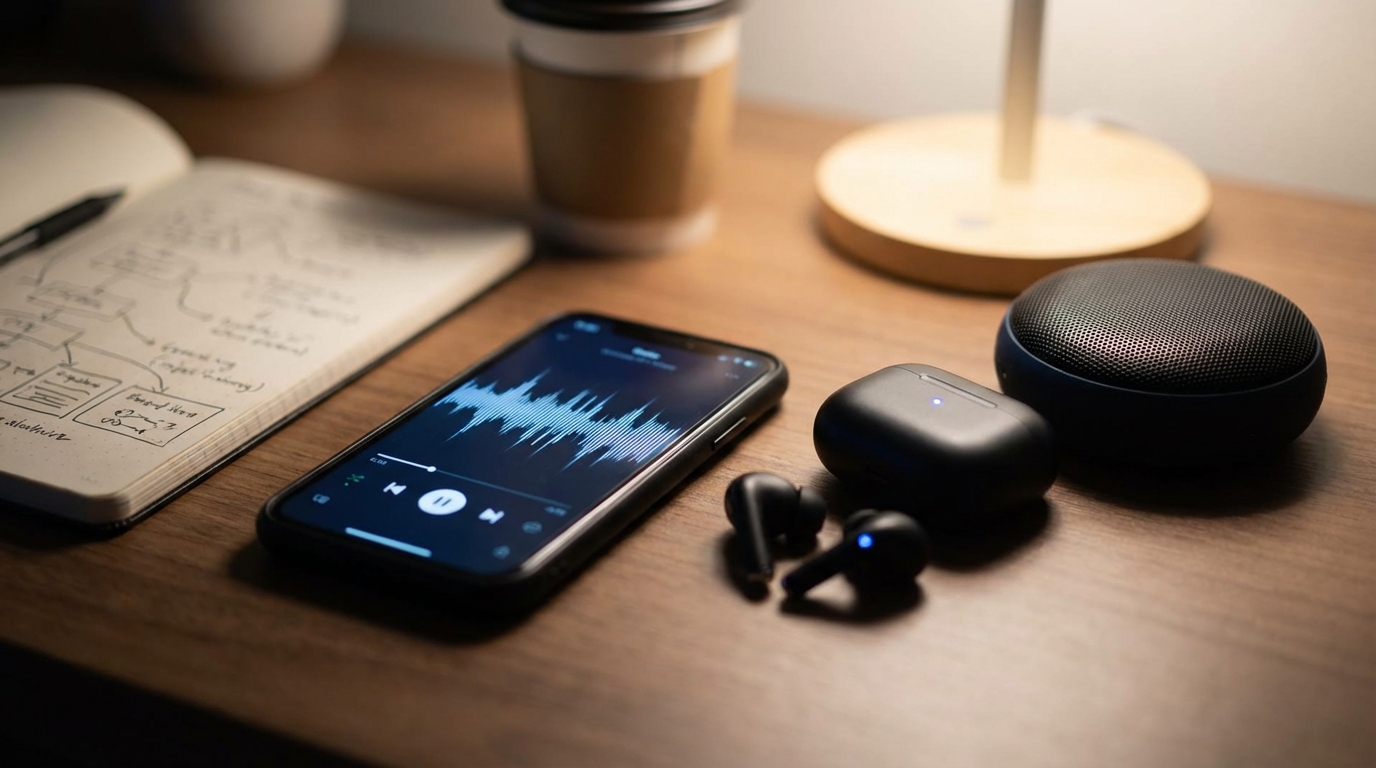
Understanding Bluetooth Audio Transmission: A Detailed Journey
Bluetooth technology has become an integral part of modern life, particularly for audio consumption. From wireless headphones to portable speakers, it offers a convenient way to enjoy sound without the tangle of cables. While its use is straightforward, the underlying process of how audio travels wirelessly from a source device to a receiver is a marvel of engineering. This article will demystify the steps involved in Bluetooth audio transmission, explaining the technology from initial connection to playback.The Foundations of Bluetooth Audio
Before delving into the step-by-step process, it is helpful to understand the basic nature of Bluetooth and the components that facilitate its operation.What is Bluetooth?
Bluetooth is a short-range wireless technology standard that operates on radio frequencies within the 2.4 GHz Industrial, Scientific, and Medical (ISM) band. Its primary purpose is to create personal area networks (PANs) for exchanging data over short distances, replacing wired connections. For audio, this means forming a direct link between two devices to stream sound.Key Components Involved
For Bluetooth audio transmission to occur, several components work in concert:- Source Device: This is the device that originates the audio signal, such as a smartphone, tablet, computer, or digital audio player. It contains a Bluetooth transmitter chipset.
- Receiver Device: This is the device that receives and plays the audio, such as wireless headphones, speakers, or car audio systems. It contains a Bluetooth receiver chipset.
- Bluetooth Chipsets: Both devices are equipped with specialized chipsets that handle the radio communication, data processing, and protocol implementation necessary for Bluetooth operations.
- Bluetooth Profiles: These are specifications that define how devices communicate for specific applications. For audio, the Advanced Audio Distribution Profile (A2DP) is crucial, enabling high-quality stereo audio streaming.
Initiating the Connection: Pairing
The first essential step for any Bluetooth communication, including audio, is pairing. This process establishes a secure, trusted relationship between two devices.Discovery Mode
For devices to find each other, one device must enter “discovery mode” (also known as “pairing mode”). In this state, the device’s Bluetooth chipset actively broadcasts its presence and identifying information to nearby devices. The name of the device (e.g., “John’s Headphones”) is sent out so it can be recognized.Scanning and Identification
Simultaneously, the second device (the one initiating the connection) performs a “scan” for discoverable Bluetooth devices in its vicinity. When it detects a device in discovery mode, it receives its identifying information, including a unique Bluetooth address (similar to a MAC address). The user then typically selects the desired device from a list displayed on their screen.Authentication and Pairing Code (PIN)
Once a device is selected, the pairing process moves to authentication. This step ensures that the two devices are authorized to communicate.- Older methods often involved entering a Personal Identification Number (PIN), which had to match on both devices.
- Modern Bluetooth versions frequently use Simple Secure Pairing (SSP), which can involve confirming a passkey displayed on both screens or simply accepting the connection.
- During this stage, cryptographic keys are exchanged and stored on both devices, establishing a secure link for future connections without needing to re-enter a PIN. This creates a “trusted pair.”
Establishing the Audio Link
After successful pairing, the devices have a foundational connection. The next step is to specifically prepare for audio transmission.Profile Negotiation
Once paired, the devices need to agree on how they will communicate specific types of data. This involves negotiating Bluetooth profiles. For audio streaming, the A2DP (Advanced Audio Distribution Profile) is key. The source device will indicate its capability to stream audio, and the receiver device will confirm its ability to receive and play it using A2DP. Other profiles, such as Audio/Video Remote Control Profile (AVRCP) for controlling playback, might also be negotiated concurrently.Channel Establishment
With the profiles agreed upon, a logical channel (specifically, an L2CAP channel within the Bluetooth protocol stack) is established between the two devices. This channel is dedicated to carrying the audio data according to the A2DP specification. It’s like opening a specific lane on a digital highway for audio traffic.The Audio Transmission Process
With the connection established, the actual journey of the audio signal from the source to the receiver can begin.Digital Audio Conversion
If the audio source is analog (e.g., from a microphone or an analog input), it must first be converted into a digital format. If the audio is already digital (e.g., an MP3 file or a stream from an app), it is prepared for the subsequent steps. This digital representation is a series of binary data.Encoding (Compression)
Digital audio files, especially uncompressed ones, can be quite large. Transmitting them wirelessly efficiently requires compression.- The source device’s Bluetooth chipset encodes the digital audio data using a specific audio codec.
- The Subband Codec (SBC) is a mandatory codec for all A2DP-compliant devices, ensuring basic compatibility.
- Many devices also support additional codecs such as AAC or aptX, which offer varying degrees of compression efficiency and perceived audio quality. The goal is to reduce the data rate without significant loss of audio fidelity, allowing it to fit within Bluetooth’s available bandwidth.
Packetization
The encoded audio data is not sent as one continuous stream. Instead, it is broken down into small, manageable units called packets. Each packet contains a portion of the audio data along with header information, error correction codes, and other metadata necessary for proper reconstruction at the receiving end.Radio Frequency Modulation
The digital packets need to be converted into radio waves for wireless transmission.- The Bluetooth chipset modulates a 2.4 GHz radio carrier wave with the digital data.
- Bluetooth uses a technique called Frequency Hopping Spread Spectrum (FHSS). This means the radio signal rapidly switches between 79 different frequencies within the 2.4 GHz band, hopping approximately 1,600 times per second.
- FHSS is crucial for several reasons: it helps to reduce interference from other devices operating in the same frequency band (like Wi-Fi), and it enhances the security of the transmission.
Transmission and Reception
The modulated radio waves are then sent out into the air via the source device’s antenna. The receiver device’s antenna picks up these radio waves. Its Bluetooth chipset then performs the reverse process: demodulation, converting the radio waves back into digital packets.Decoding and Playback
Upon reception, the digital packets undergo several final stages:- Error Checking and Correction: The receiver verifies the integrity of the packets using the error correction codes. If errors are detected, Bluetooth’s protocols attempt to retransmit or mitigate their impact.
- Packet Reassembly: The individual packets are reassembled in the correct order to reconstruct the complete encoded audio stream.
- Decoding (Decompression): The reassembled, encoded audio stream is then decoded (decompressed) by the receiver’s chipset, reversing the compression applied earlier.
- Digital-to-Analog Conversion (DAC): If the output requires an analog signal (e.g., to drive the speakers in headphones or a speaker unit), the decoded digital audio is converted back into an analog electrical signal by a Digital-to-Analog Converter (DAC).
- Audio Playback: Finally, this analog signal is amplified and sent to the transducers (e.g., speaker drivers) to produce audible sound.
Maintaining the Connection
Once established, the Bluetooth connection works to maintain a stable and efficient audio stream.Adaptive Frequency Hopping (AFH)
Building on FHSS, modern Bluetooth versions incorporate Adaptive Frequency Hopping (AFH). This intelligent technique allows Bluetooth devices to identify “bad” frequencies (those with significant interference from Wi-Fi or other Bluetooth devices) and avoid hopping onto them. This significantly improves connection stability and audio quality in crowded radio environments.Power Management
Bluetooth devices manage their power consumption through various operational modes. For instance, when no data is being transmitted, devices can enter a “sniff” mode, where they only wake up periodically to check for communication, saving battery life. As soon as audio transmission resumes, they return to full power mode.Reconnection
Once two devices have been paired and connected, they typically remember each other. If the connection is lost (e.g., moving out of range) and then re-established (e.g., moving back in range), the devices can usually reconnect automatically without needing to go through the full pairing process again, thanks to the stored security keys.Conclusion
The journey of audio from a source device to a wireless speaker or headphones via Bluetooth is a sophisticated, multi-step process. It involves initial discovery and secure pairing, negotiation of specific communication profiles, and then a complex sequence of digital conversion, compression, packetization, and radio wave modulation. At the receiving end, these steps are reversed to deliver clear, audible sound. This intricate dance of technology ensures the seamless and convenient wireless audio experience that has become a staple of contemporary living.Frequently Asked Questions (FAQs)
1. What is the typical range of Bluetooth audio transmission?
Bluetooth is designed for short-range communication. Its typical range varies depending on the power class of the devices, environmental factors (like walls or interference), and line of sight. Class 2 devices (common for consumer electronics) usually have a range of up to 10 meters (33 feet), while Class 1 devices can extend to 100 meters (330 feet) in ideal conditions.2. Can Bluetooth audio quality be affected?
Yes, Bluetooth audio quality can be influenced by several factors. These include the specific audio codecs supported by both devices (e.g., SBC, AAC, aptX), the compression level used, the distance between devices, the presence of interference from other 2.4 GHz devices (like Wi-Fi routers), and obstacles in the signal path.3. What is latency in Bluetooth audio?
Latency refers to the delay between when an audio signal is sent from the source and when it is heard from the receiver. In Bluetooth audio, some degree of latency is inherent due to the processes of encoding, packetization, transmission, and decoding. While often negligible for music listening, significant latency can be noticeable and problematic when watching videos (lip-sync issues) or playing games.4. How many devices can be connected to a single Bluetooth source?
A single Bluetooth source device can typically be paired with multiple devices, but usually, only one or two audio receiver devices can be actively connected and transmitting audio at any given time, depending on the source device’s capabilities and Bluetooth version. Bluetooth Low Energy (BLE) connections can support more concurrent peripheral connections for specific applications.5. Is Bluetooth audio secure?
Bluetooth connections incorporate security features to protect against unauthorized access and eavesdropping. During the pairing process, cryptographic keys are exchanged to encrypt the data stream. Modern Bluetooth versions utilize robust encryption standards and authentication protocols to help ensure that audio transmissions remain private between the connected devices.
Diana Miller, is a dedicated nature enthusiast and an outdoor adventurer. She began leading groups for excursions in her teens and never stopped. Following her passion for nature, she gathers her friends for outdoor trips every now and then. And for the last 10 years, she has executed workshops on backpacking, snow kayaking and traveling that included her main motive of lightweight packing while outdoors. During leisure, she loves planning for her next adventure.