
Over the past few years, in-car technology has evolved rapidly. We’ve seen bigger infotainment screens, smarter system integrations, improved voice control, and a much more connected driving experience overall. Yet, despite all these upgrades, some small but noticeable limitations still remain. Wired Apple CarPlay and Android Auto are a good example—they’re stable, responsive, and feature-rich, but the need to physically plug in your phone every time you start the car still feels a bit outdated in an otherwise modern setup.
That’s exactly what pushed me to test a wireless alternative. The concept is straightforward: eliminate the cable and make the connection automatic every time you enter the vehicle. After using the TORVO wireless CarPlay adapter for a few days in everyday driving conditions, I wanted to find out how well it actually performs in real use and whether it can truly replace a wired connection without sacrificing reliability or convenience.
First Look
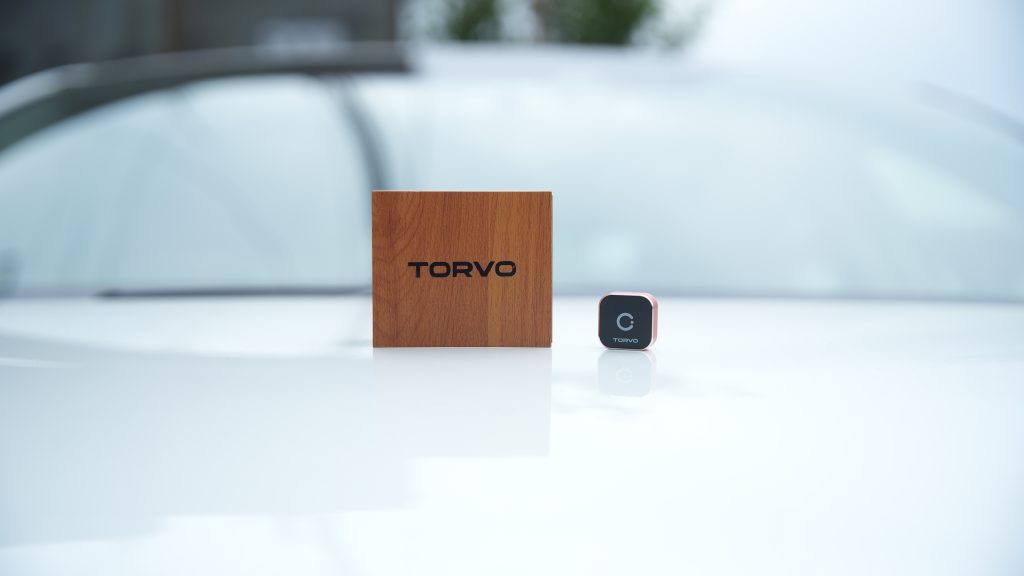
The first thing that stands out is the presentation. Instead of the usual lightweight packaging you’d expect from a small tech accessory, this comes in a wooden box. It’s minimal and clean, but it adds a level of refinement that immediately makes the product feel more considered. It doesn’t impact performance, of course, but it does shape your first impression in a positive way.
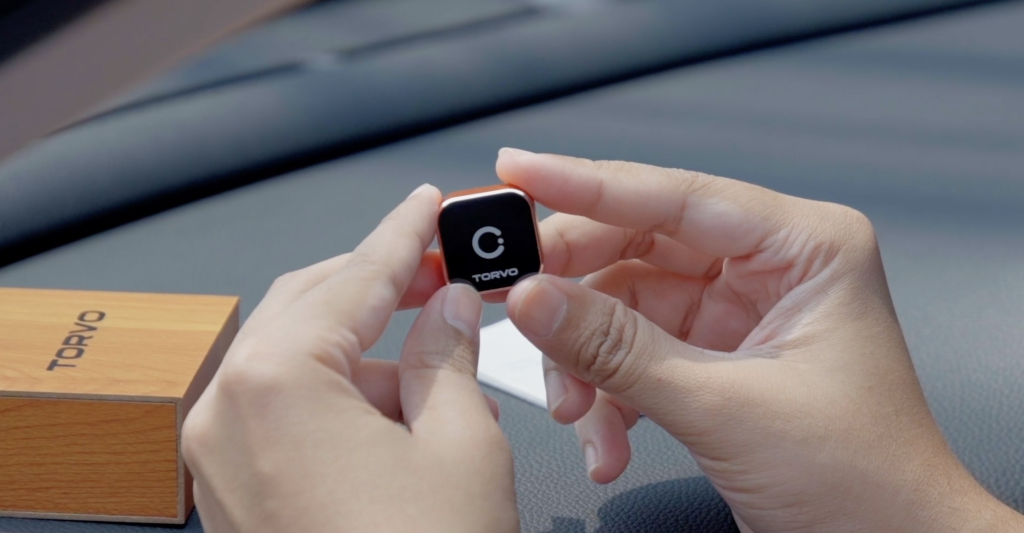
Inside, everything is neatly arranged. You get the adapter itself, a user manual, and a USB converter. That converter is a thoughtful addition, especially since not all vehicles use the same type of USB port. It ensures that you can get started right away without needing to look for extra accessories.
The adapter itself feels solid in hand. The metal casing gives it a sense of durability, and the bright finish helps it stand out from the typical black plastic designs you often see in this category. It feels less like a disposable gadget and more like a well-built accessory designed for long-term use.
Setup Experience
When it comes to devices like this, setup can either be smooth or unnecessarily complicated. Thankfully, this falls into the first category.
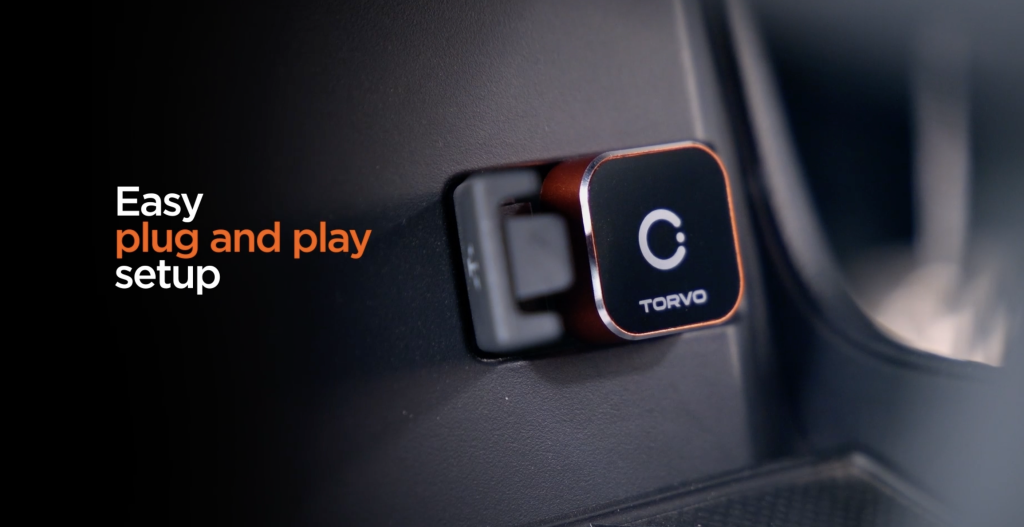
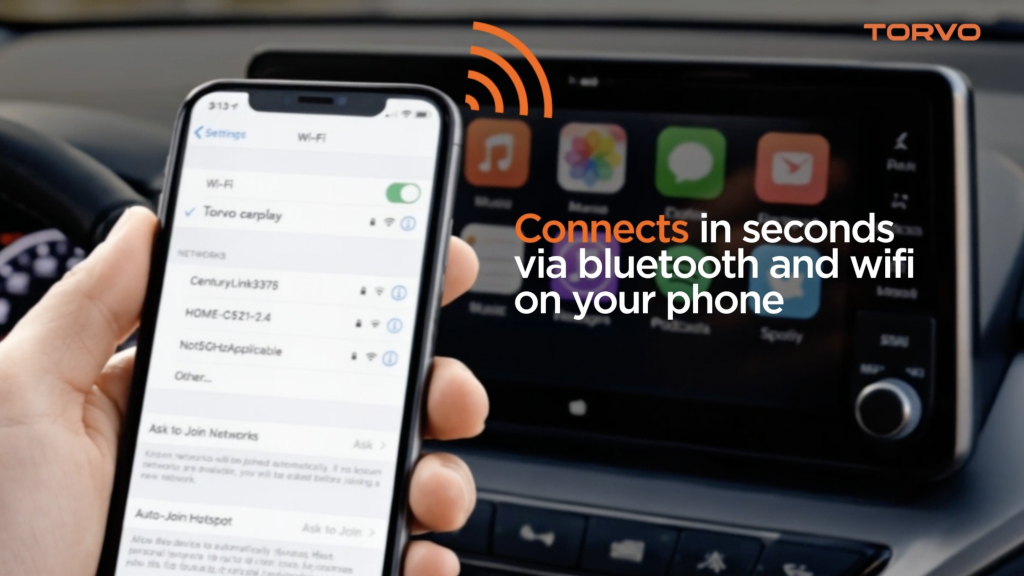
The process is straightforward—plug the adapter into your car’s USB port, turn on Bluetooth and Wi-Fi on your phone, connect once, and the system transitions into wireless mode. There’s no need to download an app, no account setup, and no extra configuration steps to worry about.
The simplicity here makes a big difference. You don’t have to spend time figuring things out or troubleshooting connections. It works in a way that feels intuitive, which is exactly what you want from something that’s meant to make your daily routine easier.
Driving Experience
Once everything is set up, the real test is how it performs on the road. Over several days of use, the experience remains consistent and reliable.
Navigation apps load quickly and respond without delay. Whether you’re following directions through busy streets or switching routes mid-drive, everything updates smoothly. Music playback is stable, with no interruptions or stuttering, and calls come through clearly with no noticeable issues.
One of the key things here is responsiveness. With some wireless adapters, you can feel a slight delay when switching between apps or interacting with the interface. In this case, everything feels immediate. That responsiveness is important, especially when you’re relying on the system while driving.
Overall, it feels less like an add-on device and more like a built-in feature of the car, which is exactly what a wireless adapter should aim to achieve.
Build and Heat Performance
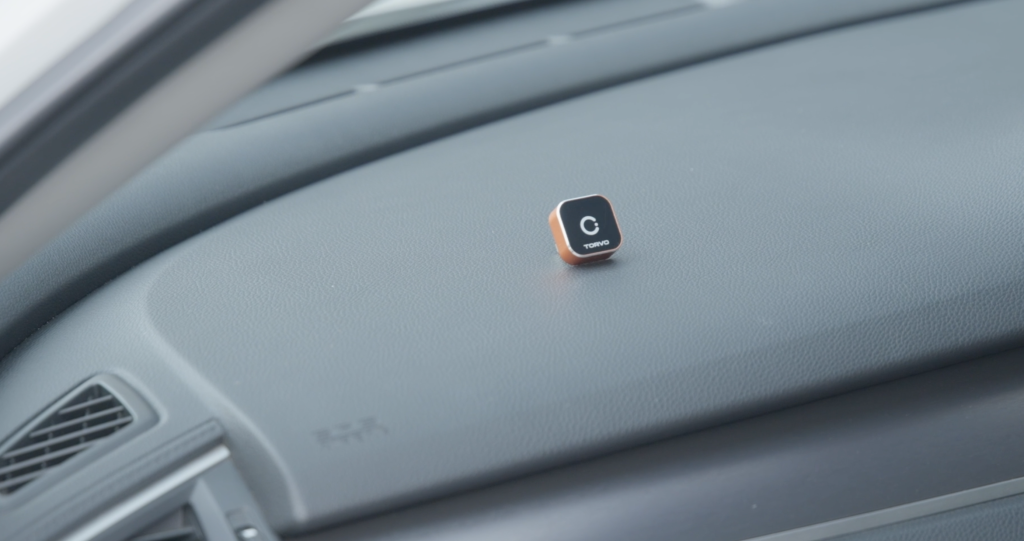
A detail that often gets overlooked is how these devices handle heat. Cars can get extremely warm, particularly when parked in direct sunlight, and that heat can affect the performance of smaller electronics over time.
The metal housing of this adapter plays an important role here. It helps with heat dissipation, allowing the device to maintain stable performance even in warmer conditions. After leaving the car parked and coming back later, the adapter continues to function without any noticeable issues.
There are no unexpected disconnections, no slowdowns, and no need to reset the device. That level of stability adds to the overall reliability and makes it something you can depend on for everyday use.
Device Compatibility
Supporting both Android Auto and CarPlay makes the adapter more versatile. This is particularly useful in shared vehicles where different users may have different devices.
Switching between phones is simple. You disconnect one device, connect another, and the system adjusts without requiring a reset or additional setup. It keeps the experience smooth and avoids unnecessary steps, which is important when multiple people are using the same car regularly.
This flexibility adds to the practicality of the adapter and makes it suitable for a wider range of users.
Long-Term Convenience
After using it consistently for a few days, the biggest benefit becomes clear—it’s all about convenience. You get into the car, start the engine, and your phone connects automatically. There’s no need to reach for a cable or think about setup.
It’s a small change, but it has a noticeable impact on your daily routine. Over time, you stop thinking about the connection process altogether. It simply becomes part of the background, working seamlessly without requiring any attention.
Once you get used to that level of convenience, going back to a wired setup starts to feel unnecessary and slightly inconvenient.
Final Thoughts
After spending time with it, it’s clear that this isn’t about adding new features—it’s about simplifying what’s already there. The TORVO wireless CarPlay adapter focuses on removing a small but repetitive task and replacing it with something more seamless.
It offers reliable performance, simple setup, and a build quality that feels designed for long-term use. More importantly, it integrates into your daily driving routine without drawing attention to itself, which is exactly what good technology should do.
For anyone who uses CarPlay or Android Auto regularly, this is one of those upgrades that quietly improves the overall experience. It doesn’t change how you drive—but it does make the process feel just a bit more effortless every time you get behind the wheel.

Alex Aster is a tech enthusiast, software developer, and lifelong learner with a passion for exploring the latest trends in technology, programming, and digital innovation. With a background in computer science, He brings hands-on experience and a curious mindset to every article. When not writing code or testing out new tools, Alex Aster enjoys sharing insights to help others navigate the ever-evolving tech landscape.